
Private Screenshot, Blur & Annotate, Encrypted Sharing, Full Page Capture
Store listing checked November 19, 2026.
Private screenshot tool: capture, blur & annotate on your device. Share by end-to-end encrypted link, only to people you choose.
Overview
Private Screenshot, Blur & Annotate, Encrypted Sharing, Full Page Capture is a free Chrome extension, listed in the Screenshot category on ExtensionFinder. It has 20,000 users on the Chrome Web Store and an average rating of 4.0 out of 5 from 71 ratings. Version 3.0.2 was last updated on November 10, 2026. Its manifest requests 5 permissions. The most sensitive of these let it inject scripts and styles into web pages. Its ExtensionFinder privacy score is 77/100 (Medium Risk). With an overall score of 63/100, it ranks #26 of 82 extensions in Screenshot.
Ranking Breakdown
Categories
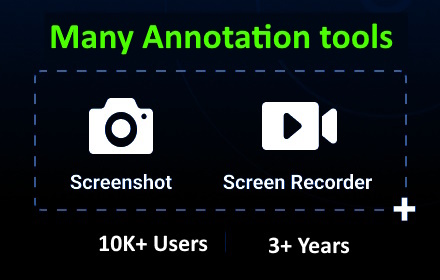
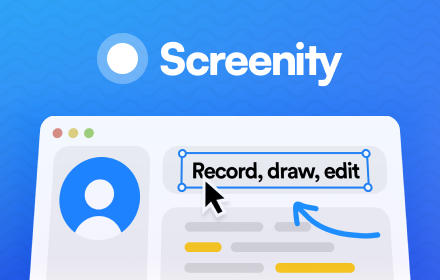
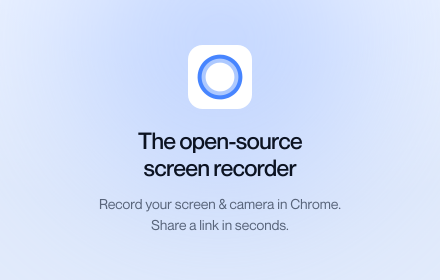
Screenshots

Privacy & Permissions
Permissions
What these permissions allow
- scripting — Inject scripts and styles into web pages.
- activeTab — Access the current tab only after you invoke the extension, for example by clicking its icon.
- contextMenus — Add items to the right-click menu.
- storage — Store settings and data locally in the browser.
- identity — Sign you in through OAuth, for example with your Google account.
Alternatives to Private Screenshot, Blur & Annotate, Encrypted Sharing, Full Page Capture
The highest-scoring other extensions in Screenshot, ranked by ExtensionFinder's overall score.

GoFullPage - Full Page Screen Capture
Capture a screenshot of your current page in entirety and reliably—without requesting any extra permissions!

Full Page Screenshot & PDF - Web Capture by FireShot
Capture full-page screenshots. Save as PDF or image. Trusted since 2010. Your screenshots stay private. Minimal permissions.

Awesome Screen Recorder & Screenshot
The best screen recorder and screen capture & screenshot tool to record screen.
PrintFriendly: Print, PDF Editor & Full Page Screenshot
Print clean web pages, save as PDF, edit PDFs, and capture full-page screenshots. Integrates with ChatGPT, Claude, and Gemini.

Scribe: AI Documentation, SOPs & Process Intelligence
Turn any workflow into documentation your teams and AI agents can follow. Save each team member 35 hours/month.