
Prime Video Speeder: adjust playback speed [QVI]
by HideApp
Store listing checked November 23, 2026.
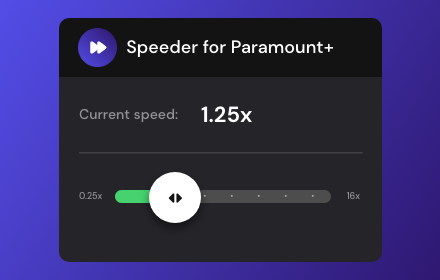
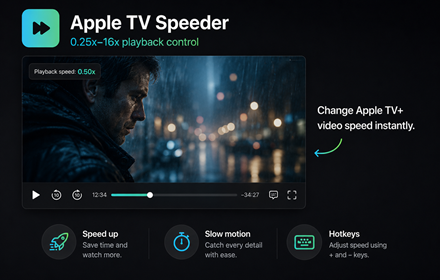
Extension allows to adjust the playback speed on Prime Video according to preference
Overview
Prime Video Speeder: adjust playback speed [QVI] is a free Chrome extension from HideApp, listed in the Video Speed Controller category on ExtensionFinder. It has 60,000 users on the Chrome Web Store and an average rating of 3.8 out of 5 from 75 ratings. Version 1.1.36 was last updated on May 27, 2026. Its manifest requests 1 permission and host access to 5 site patterns. None of them are on our list of sensitive permissions. Its ExtensionFinder privacy score is 65/100 (Medium Risk). With an overall score of 52/100, it ranks #19 of 27 extensions in Video Speed Controller.
Ranking Breakdown
Categories
Screenshots
Privacy & Permissions
Permissions
Host Access
What these permissions allow
- storage — Store settings and data locally in the browser.
- host access — Read and change data on 5 specific site patterns listed in its manifest.
Alternatives to Prime Video Speeder: adjust playback speed [QVI]
The highest-scoring other extensions in Video Speed Controller, ranked by ExtensionFinder's overall score.

Video Speed Controller
Speed up, slow down, advance and rewind HTML5 audio/video with shortcuts

Video Speed Controller - video manager
Video speed control for all HTML5 video players. Speed up, slow down video or audio with keyboard shortcuts.

Global Speed - Video Speed Control
Universal speed control for video and audio.

Youtube Playback Speed Control
Control speed of the youtube playback using keyboard. Press '+' to increase and '-' to decrease the playback speed.

Netflix Speed Controller
Control Netflix playback speed with custom values, keyboard shortcuts, and on-screen overlay.